
How to Search Marion County Court Records
The main tool for a Marion County court records search is the Online Court Records Search, called OCRS. It is hosted by Civitek for the Marion County Clerk and indexes circuit and county court cases filed in Ocala. The first screen of the Marion County OCRS portal asks the user to pick an access class. Public access is the open lane and needs no login. Attorney, registered user, and party access lanes need a user ID and password set up through the Marion County Clerk. All online access to Marion County court records is governed by Florida AOSC 16-107, which the portal cites on the entry page. For most name lookups, the public lane works fine.
Before starting a Marion County court records search, gather a last name, a first name, and a rough filing year. A date of birth helps when the surname is common. If the search is for a business, use the business name field, not the person fields. Have a clean browser and a working internet line ready. The Marion County portal uses a Cloudflare Turnstile robot check that may pop up before results load.
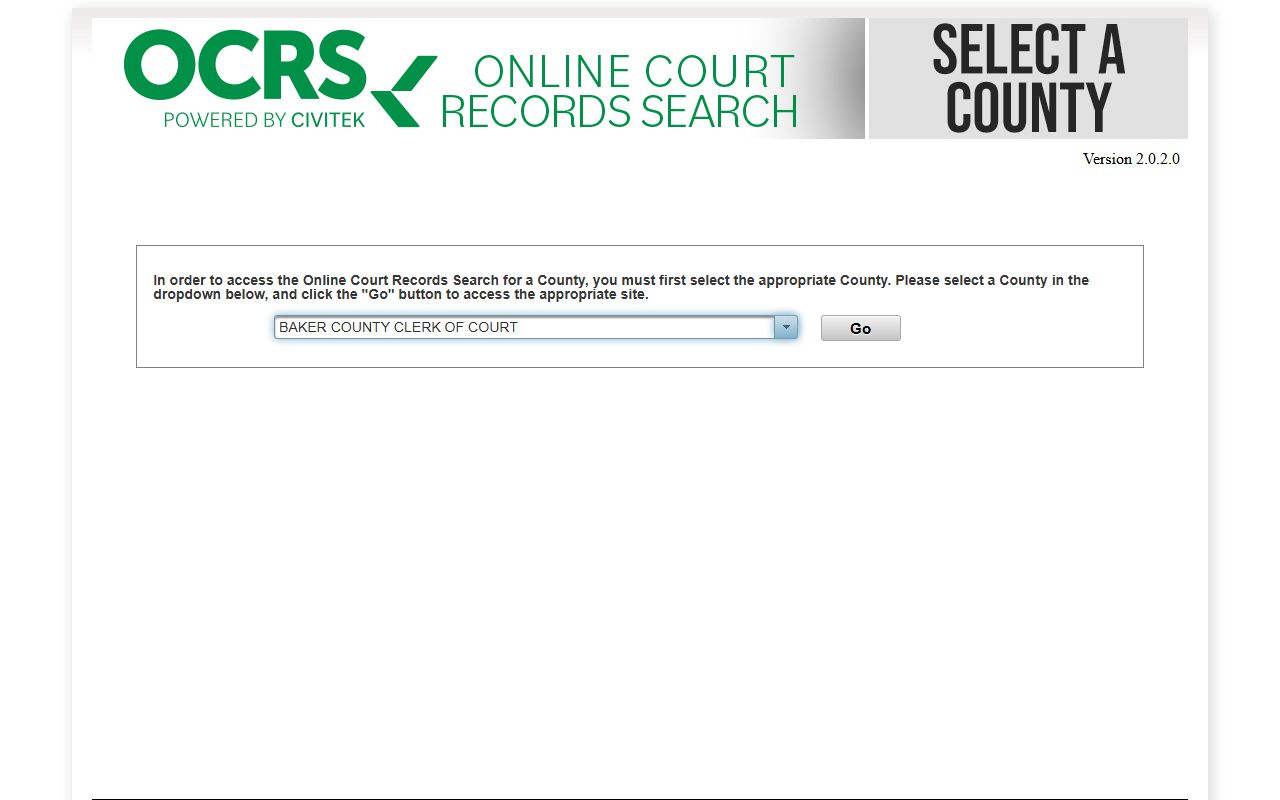
- Open the Marion County OCRS county page at civitekflorida.com/ocrs/county/42 and pick the Public lane.
- Read the disclaimer, then click I Agree to load the search form at civitekflorida.com/ocrs/app/search.xhtml.
- Choose the Person Search tab for an individual, or the Case Search tab for a known case number.
- Type a Last Name and First Name/MI, or a Business Name. Add a date range or court-type filter to narrow the list.
- Pass the Turnstile robot check if it appears, then click Search. Use Reset to clear and start over.
- Click a case row to open the docket. If a document image is blocked, the case is sealed, locked behind a login, or kept off the public lane by court rule.
Marion County Court Records Search Fields
The Marion County OCRS public Person Search form uses a tight set of fields. The user must provide at least a last name or a business name. Date fields use MM/DD/YYYY. The Court Type group is a list of check boxes; pick one or more to filter by case family. The Case Search tab is loaded after a tab click and uses a case number lookup. The table below lists what shows on the Person Search tab as the standard public lane for Marion County court records.
| Field Label | Type | Required | Notes / Format |
|---|---|---|---|
| Last Name | Text | Yes (or Business Name) | Max 30 characters. At least a last name or business name is needed. |
| First Name/MI | Text | No | Max 40 characters. Helps cut down on common surnames. |
| Business Name | Text | Yes (or Last Name) | Max 30 characters. Use this for an LLC, corporation, or trade name. |
| Date Case Filed From | Date | No | MM/DD/YYYY. Use with the To date to set a filing window. |
| Date Case Filed To | Date | No | MM/DD/YYYY. End of the filing range. |
| Date of Birth | Date | No | MM/DD/YYYY. Useful when a name is common. |
| SSN | Masked Text | No | Format 999-99-9999. The first five digits stay masked. Usually only useful with authorized access. |
| Court Type | Check Box Group | No | Pick one or more of AP, CA, CC, CO, CT, DR, CF, GA, MM, MO, IN, CP, SC, TR. |
| Case Number | Text | Yes on Case Search tab | Used on the Case Search tab. Format follows the standard Florida case-number layout. |
| Search / Reset | Buttons | n/a | Search runs the query after the robot check. Reset wipes the form. |
Types of Marion County Court Records
The Marion County Clerk keeps files from both the Fifth Judicial Circuit Court and the local County Court. Circuit court hears big civil claims, felony charges, family law, probate, and juvenile cases. County court hears misdemeanors, traffic, county or city ordinance cases, landlord-tenant disputes, and small claims. The OCRS portal uses a short code for each court type so the user can filter the list. Each type maps to a specific kind of case file.
Below are the main record families seen in Marion County. The court-type code is shown in parens so the user can match it to the OCRS filter.
- Criminal felony (CF). Filed in circuit court. Files cover the arrest affidavit, the charging document, plea forms, motions, orders, sentencing entries, and probation terms. See the criminal records page for arrest detail.
- Misdemeanor and criminal traffic (MM, CT). Filed in county court. Cases include DUI, driving while license suspended, petit theft, simple battery, and other low-level charges.
- Circuit civil and county civil (CA, CC). Cover suits, debt claims, contract fights, and real-property matters. Small claims (SC) is for the smallest dollar disputes.
- Domestic relations and family (DR). Includes divorce, paternity, child support, time-sharing, and name change. Some financial and child detail is redacted.
- Probate and guardianship (CP, GA). Cover estates, wills, guardianships, and disposition of personal property. The probate records page has more detail.
- Traffic infraction (TR), county ordinance (CO), municipal ordinance (MO), non-criminal infraction (IN), and appeal from county court (AP). The traffic court records page covers ticket files in depth.
What Marion County Court Records Show
A Marion County case file pulled through OCRS is not just one document. It is a stack of items the Marion County Clerk has logged over the life of the case. Each line is called a docket entry, and the entry may or may not have a clickable image. The table below lists the core fields that show up on a Marion County court records search result and what each one means in plain English.
| Field | What It Shows |
|---|---|
| Case Number | The unique ID the Clerk gave the case. Florida case numbers pack in the year, court-type code, sequence, and division. |
| Case Style / Caption | The party names, such as State of Florida v. defendant, plaintiff v. defendant, or estate of decedent. |
| Filing Date | The date the case was opened with the Clerk. This is the date searched in the From/To fields on OCRS. |
| Court Type | One of the OCRS codes (CF, MM, DR, CP, SC, TR, etc.) that places the case in the right court. |
| Parties | Plaintiff, defendant, petitioner, respondent, victim, or estate party. Some party detail may be hidden. |
| Charges or Cause of Action | What the case is about. For criminal files this is the charged statute. For civil files this is the claim. |
| Docket Entries | A dated log of every filing, motion, notice, hearing, order, and clerk action in the case. |
| Hearings | Date, time, courtroom, and judge for any scheduled court event. Hearings may be set, reset, or canceled. |
| Disposition | The outcome of a charge or claim. Examples include guilty plea, acquittal, dismissal, final judgment, or settlement. |
| Sentence or Judgment | The court order that ends the case. For criminal cases this is the sentence. For civil cases this is the money or relief judgment. |
| Court Costs and Fines | A ledger of fees, fines, restitution, and payments. Some entries show balances owed. |
| Redactions | Notes that a field has been blanked out under Rule 2.420 or Chapter 119. Social Security and bank account numbers are common redactions. |
How to Get Certified Court Records
A certified copy is a paper or electronic copy the Clerk stamps and seals to show it is a true and accurate match of the court file. Banks, schools, employers, and other agencies often want a certified copy, not a screen print. Marion County offers a few ways to get one.
The fastest path is in person at the Marion County Judicial Center at 110 NW First Avenue, Ocala. The Marion County Clerk staff can pull a case, run copies, and add the certification stamp while the requester waits. For users who cannot make it to Ocala, the Marion County Clerk takes mail requests and runs an electronic certified-record service through the Search Records hub. The e-certify path lets a user buy a sealed PDF that other agencies can verify online.
Older Marion County case files may sit at the Records Center at 870 NW 4th Avenue. If the case is more than a few years old or has been moved off-site, ask the Marion County Clerk to pull the file first, then plan a return trip to view it or pick up copies. Plain copies run at the standard rate; certified copies add a per-document fee on top.
Public Access Laws for Marion County Court Records
Florida has one of the broadest public-records laws in the country, and Marion County court records sit fully under that framework. The basic right comes from Article I, section 24 of the Florida Constitution, and the working rules are in Chapter 119 of the Florida Statutes. Court-record access also sits under Florida Rule of General Practice and Judicial Administration 2.420, which sets how the Marion County Clerk and the courts handle filings, sealed matter, and redactions. Most case files filed with the Marion County Clerk are open for public inspection during normal hours, except when a judge, a statute, or a rule says otherwise.
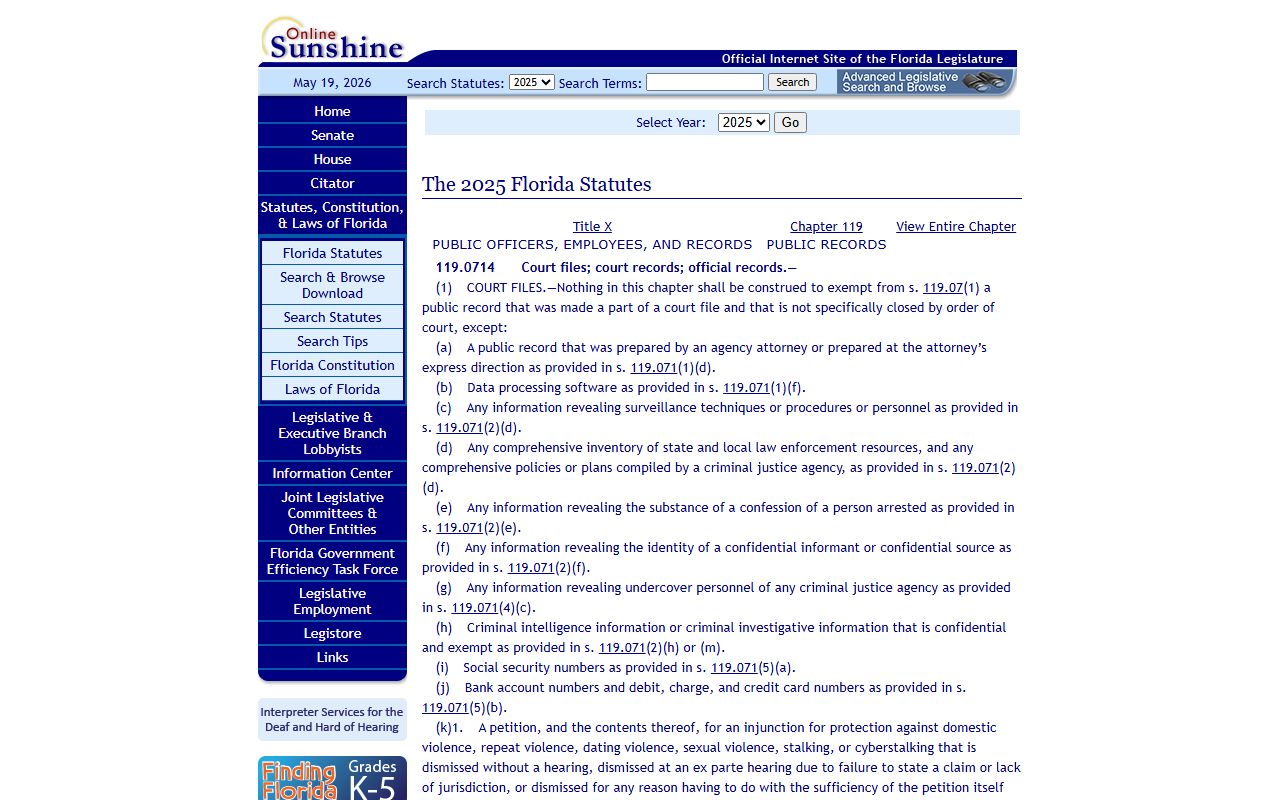
The state statute that defines a public record broadly is Fla. Stat. § 119.011. It treats emails, maps, photos, recordings, and electronic files all as public records when they are made or received in connection with official business. Inspection and copying rules, fees, and the duty to cite an exemption when denying access live in Fla. Stat. § 119.07. The general list of exemptions sits in Fla. Stat. § 119.071, and court-file protections, including the rules for sensitive numbers in official records, are in Fla. Stat. § 119.0714. The full chapter is at Chapter 119, Florida Statutes. The court-access rule is at Florida Rule 2.420. Enforcement, including attorney fees when an agency refuses access, comes from Fla. Stat. § 119.12.
Note: A custodian who blocks a record must state the exemption and cite the statute. Anyone can file a public-records lawsuit if access is wrongly denied.
Records That Are Restricted or Confidential
Not every Marion County case file is open to the public. Florida law keeps several types of records out of the open lane, either in full or in part. The Marion County Clerk and the court will not show these in the standard OCRS public search, and a name lookup may return no hits even when a case is on file.
The main restricted categories in Marion County court records are:
- Sealed criminal records under Fla. Stat. § 943.059. Sealed files are still in the system but are not open to the public.
- Expunged criminal records under Fla. Stat. § 943.0585. After expunction, the file is removed from public view.
- Juvenile justice records under Fla. Stat. § 985.04. Most juvenile case files are confidential.
- Dependency and child welfare records under Fla. Stat. § 39.0132. Shelter, abuse, neglect, and dependency files are not public.
- Adoption records under Fla. Stat. § 63.162. Adoption files need a court order or statutory ground for inspection.
- Mental health clinical records under Fla. Stat. § 394.4615. Baker Act and related files stay confidential.
The Marion County Clerk also redacts Social Security numbers, bank and credit card numbers, victim names, protected addresses, and other sensitive data from filings that do show up in the public view. Grand jury matter, sealed warrants, and active criminal intelligence are exempt as well.
How to View Sealed or Expunged Court Records
A member of the public usually cannot view a sealed or expunged file without a court order. The law lists narrow groups who can see these records without an order: law enforcement, criminal justice agencies, certain licensing boards, the Florida Bar, some employers in sensitive jobs, and the person whose record was sealed. Everyone else needs to file a petition in the court that handled the case and serve the State Attorney and any affected party.
For people who want their own record sealed or expunged in Marion County, the Florida Department of Law Enforcement runs the gatekeeping step. A petitioner first asks FDLE for a Certificate of Eligibility. After FDLE issues the certificate, the petitioner files a sealing or expunction petition with the Marion County court that heard the case, attaches the FDLE certificate, a sworn affidavit, and a proposed order, and serves the State Attorney and the arresting agency. If the judge grants the order, the Marion County Clerk seals or expunges the file. Common denial reasons include a prior disqualifying conviction, a prior sealing, an ineligible offense, pending charges, or a missing FDLE certificate.
Marion County Court Records Fees
Searching Marion County OCRS is free. Fees kick in when the user wants paper copies, certified copies, an e-certified PDF, or extensive clerical research. The full state fee schedule is set by Fla. Stat. § 28.24; the Marion County Clerk fee schedule PDF lists the exact local amounts.
| Service | Fee | Notes |
|---|---|---|
| OCRS online search | Free | Public lane, no login needed. |
| Plain paper copy | $0.15 per page | Standard county copy rate. Same rate for eviction forms purchased at the Clerk. |
| Certified copy | $1.00 per page plus $2.00 certification | Stamped and sealed as a true copy. |
| Certified will copy | $1.00 per page plus $2.00 certification | From the Clerk probate page. |
| E-certified electronic record | Per-document fee set by Clerk | Buy through the Clerk Search Records hub. Other agencies can verify online. |
| Eviction forms (printed at Clerk) | $0.15 per page | Free if printed from the Clerk forms page at home. |
| Clerical research | $20 first hour minimum (after 15 minutes), then $5 per quarter hour | Applies when staff time is needed for an extensive request. |
Mail requests should include a check, a self-addressed stamped envelope, and a clear case number or party name. The Marion County Clerk will not begin work until the fee has cleared.
Fifth Judicial Circuit and Marion County Court Hierarchy
Court records in Marion County sit at different levels of the Florida court system. The Marion County Clerk holds trial-court files for both circuit and county court. Appellate matters move out of the Marion County Clerk and into the Fifth District Court of Appeal or the Florida Supreme Court. Federal cases involving Marion County parties live in PACER and the Middle District of Florida CM/ECF system, not the Marion County OCRS.
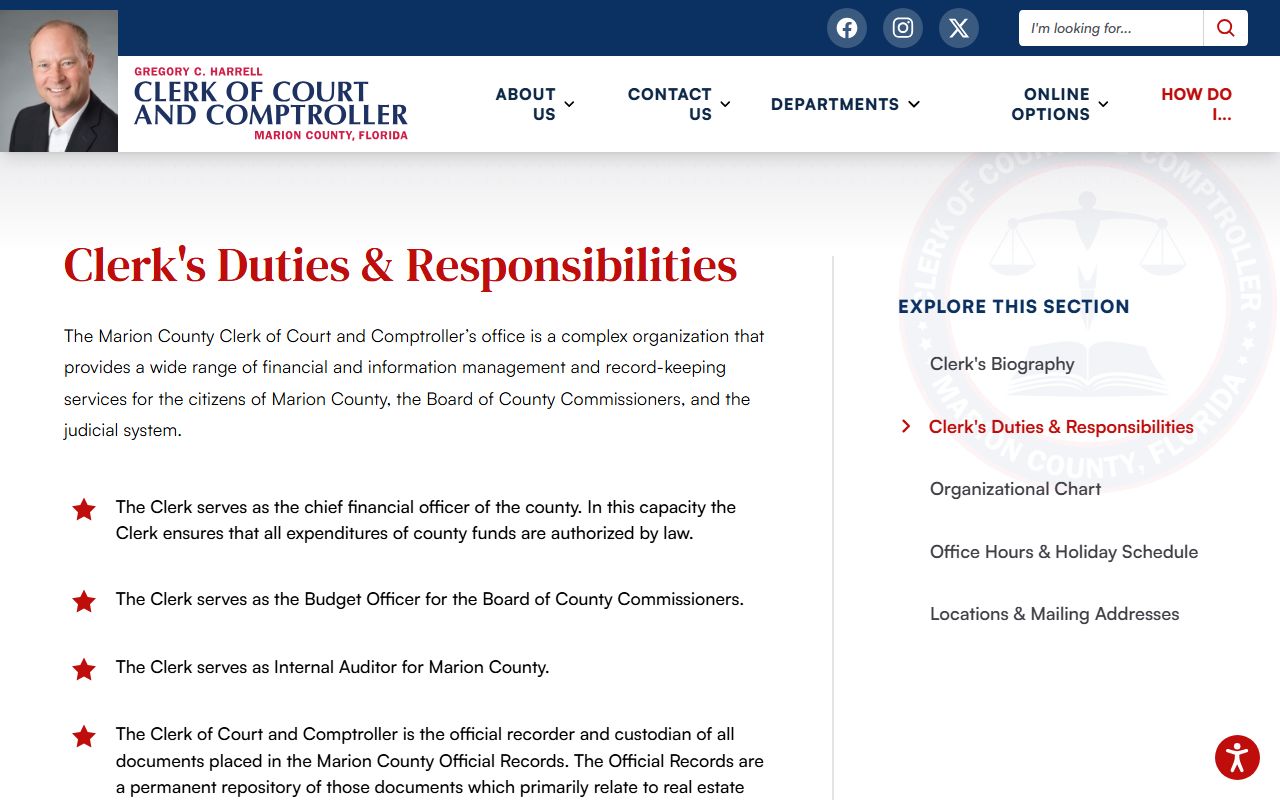
For a Marion County felony, a divorce, a probate case, a guardianship, or a major civil suit, the file is a circuit court file. For a misdemeanor, a small claim, a traffic infraction, a county or city ordinance ticket, or a landlord-tenant case, the file is a county court file. Both live in the same Marion County Clerk database, but they fall under different judges and different sets of rules. The Clerk of the Circuit Court and Comptroller page has more on office structure and staff.
Common Issues and Tips for Marion County Court Records Searches
Most search problems trace back to a small list of causes. Try these fixes before giving up on a Marion County court records search.
- The Turnstile or robot check blocks the search. Wait a moment, then click the check box. A slow line or a private browsing window can cause repeat checks.
- The name is spelled in more than one way. Try common variants, drop the middle initial, or use only the last name with a date range.
- The case is sealed or confidential. It will not show in the public lane. A court order may be needed to view it.
- The user picked the wrong court-type filter. Clear the check boxes and run an open search by name to confirm.
- The case is a federal case. Search PACER or the Middle District of Florida CM/ECF system, not OCRS. The court dockets page covers federal lookup.
- The user is searching for a deed, lien, or mortgage. Those are recorded documents, not court cases. Use the Official Records BrowserView at nvweb.marioncountyclerk.org/BrowserView instead.
If the case still does not show, call the Marion County Clerk at 352-671-5604. Older Marion County case files may have to be pulled from off-site storage. The Marion County Clerk can also confirm whether the file exists but is restricted from the public view, which OCRS does not say on its own. For non-court Marion County records like commission minutes or department files, use the public records page for the right request path. For Marion County divorce filings and marriage certificates, the marriage and divorce records page has the right intake.